The Answer Test

Your notes know the answers. Do you?

Turn pasted notes, readable PDFs, text files or photos into multiple-choice practice from your own material. Answer, see feedback and find what needs another round.

Sample quiz included. Creating quizzes from your own material requires Quizel Pro. An introductory free week may be available to eligible new subscribers; Apple shows pricing and terms before purchase.

  • No account
  • For iPhone & iPad
  • 6 languages
Quizel screen for creating a quiz from a file, image or pasted notes
01Bring materialNotes, PDF, text or photo
02Answer questionswith feedback after your answer
03Find the gapsand revisit what needs work

Turn material into practice

Stop guessing what you know.

Quizel takes you from a familiar page to an honest Answer Test in three clear steps.

01

Bring your own material.

Paste notes, import a readable PDF or text file, or add photos of the pages you want to practise.

  • Choose 5–40 questions
  • Start without an account
  • Try the included sample quiz
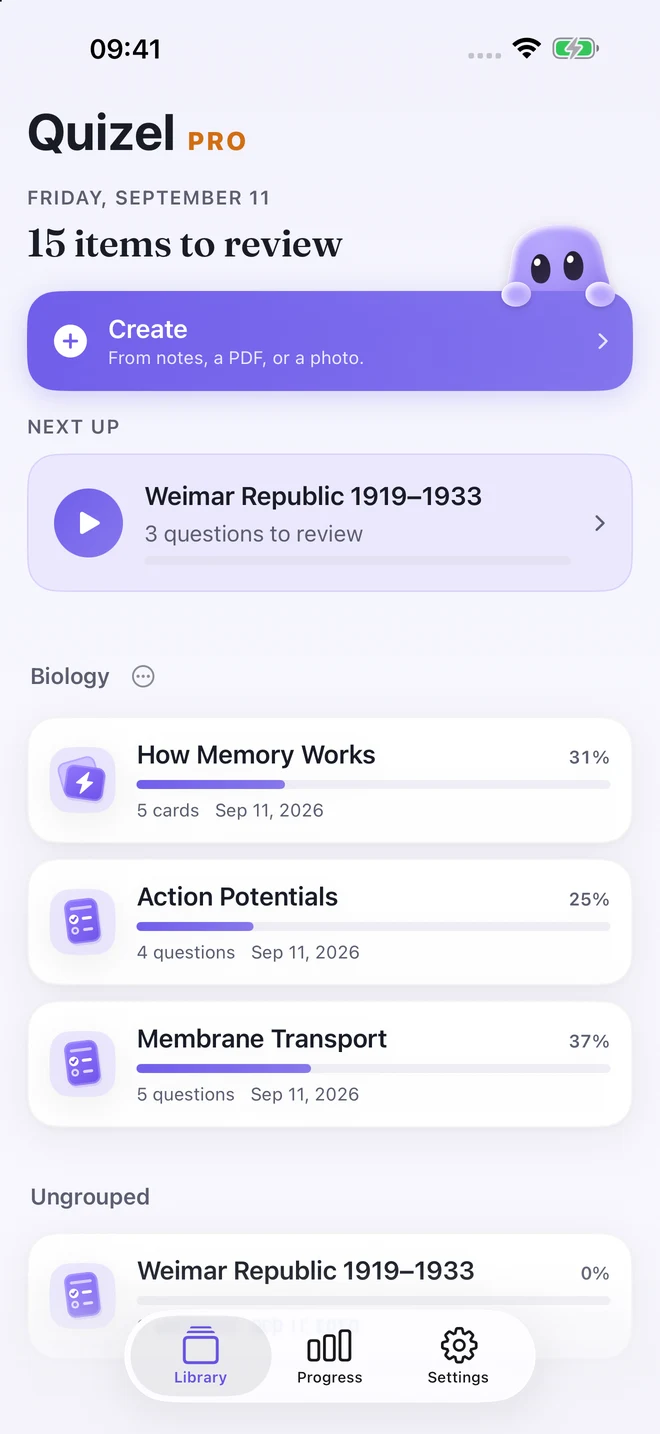
Quizel library with saved quizzes and an upcoming review
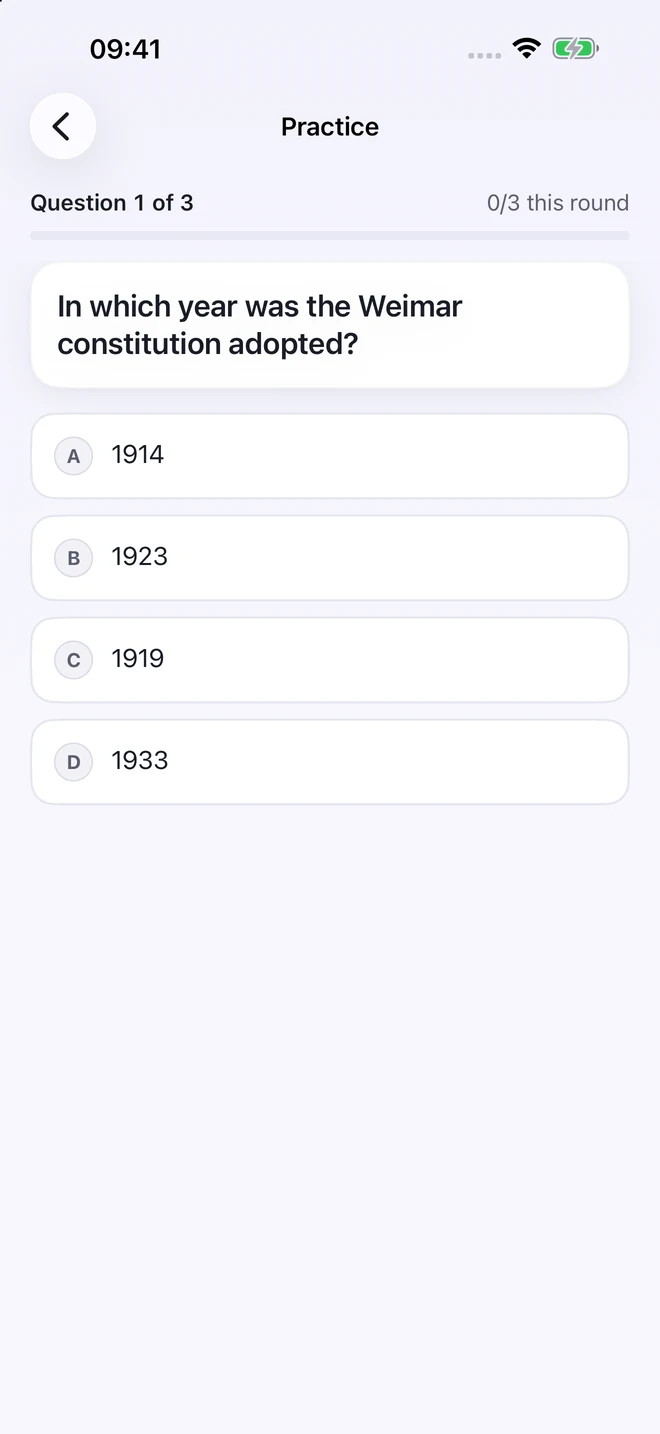
A multiple-choice question in a Quizel practice round
02

Answer. Don’t just reread.

A familiar page can still hide a gap. Quizel asks questions from your material and turns passive familiarity into a real answer moment.

“Your exam asks for answers, not highlights.”
03

Make mistakes useful.

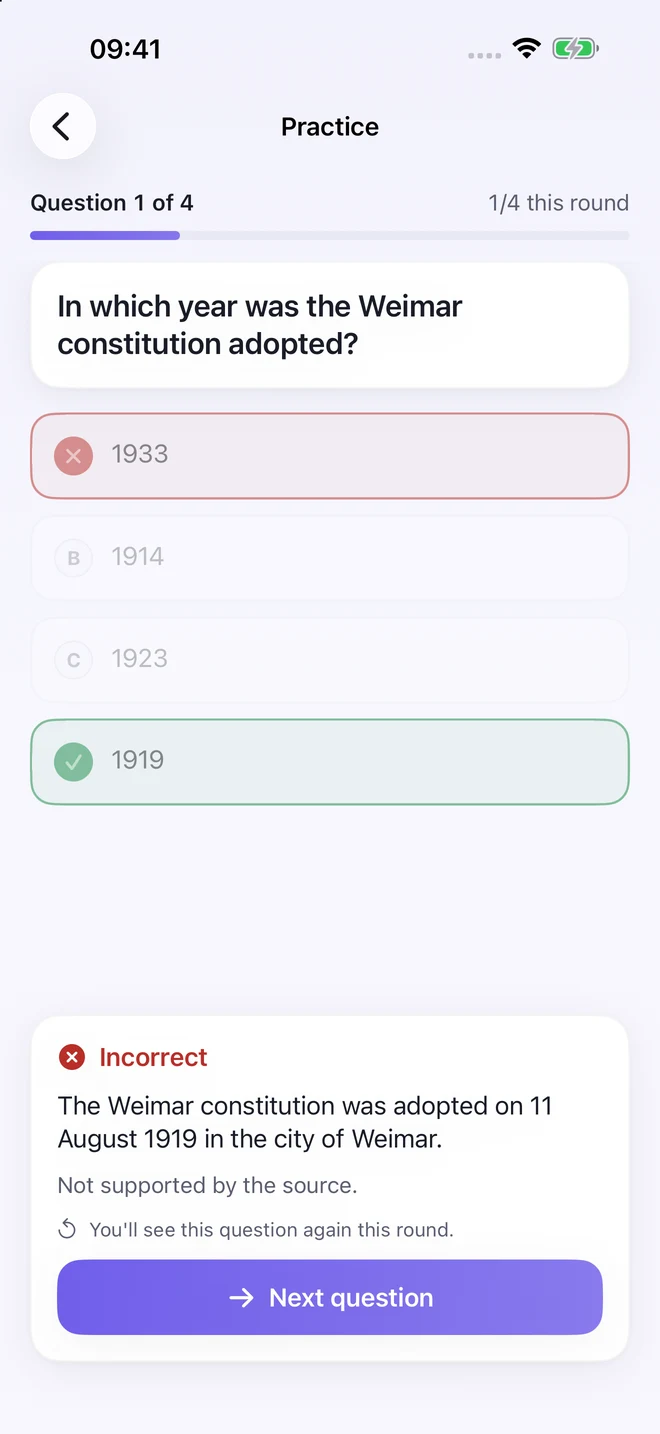
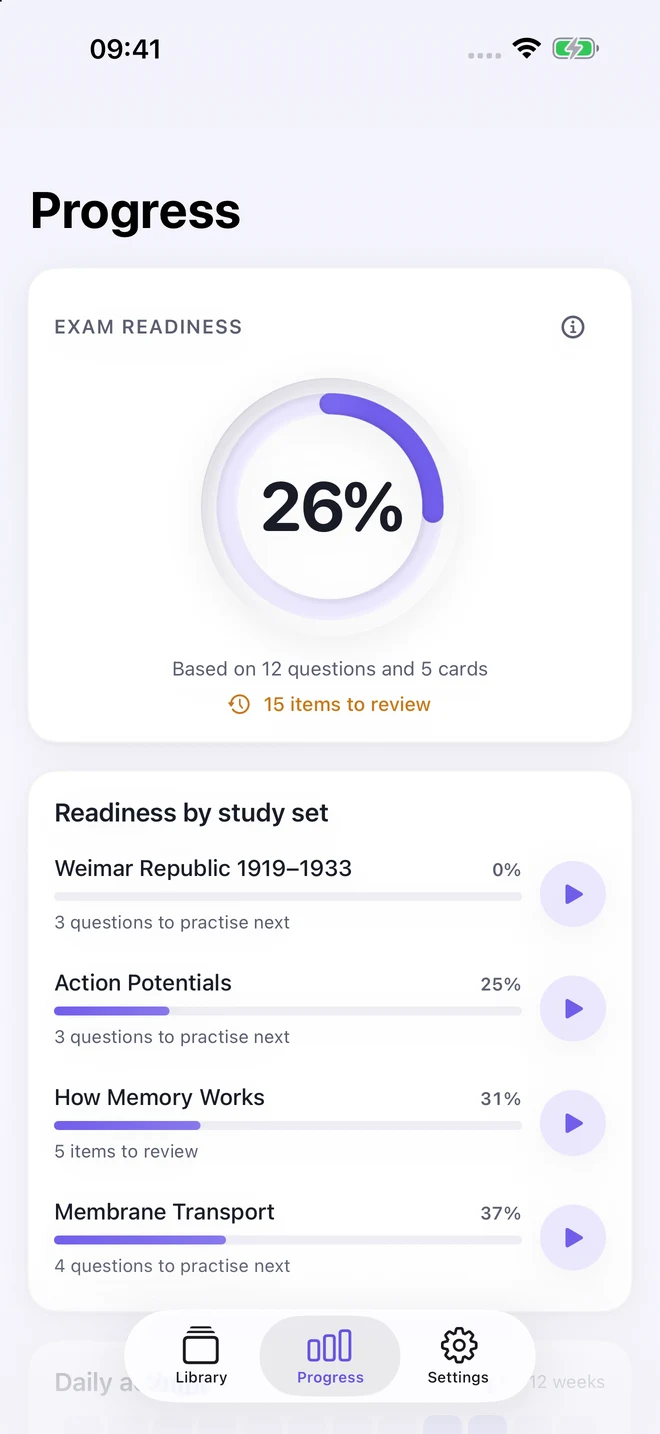
See feedback after every answer. A missed question returns later in the same round, while Progress shows what still needs another pass.

  • Feedback straight after your answer
  • Focused review for weak spots
  • Three correct answers marks a question mastered
Quizel shows the correct answer and feedback after a mistake
Dark Quizel Progress screen showing study status and topics to revisit

The difference

Recognition feels good. Answering shows what’s solid.

Quizel is not another place to collect study material. It is the calm countercheck: can you retrieve the answer, and do you know what needs another round?

Quizel app icon

Your material. Clearly handled.

Privacy is part of the product.

Quizel is clear about what stays on your device and when your material is processed.

Progress stays local

Saved quizzes and study progress remain on your device.

Sent only when you generate

Extracted source text is sent for quiz generation only after you tap Generate.

No account required

Use Quizel without creating a profile or signing in.

Honest about AI: Quizel checks drafts against your source, but AI-generated questions can still be incorrect or incomplete. Review anything you rely on for an exam.

Quick answers

Frequently asked questions

What can I import?

Pasted notes, readable text PDFs, text files and photos. Protected, unreadable or scanned PDFs may need usable text or photos of the pages. Source size and image limits apply.

Are the questions always correct?

No. Quizel uses a second AI pass to check the draft against the source, but AI can still be wrong or incomplete. Review questions before relying on them.

Is Quizel free?

An included sample quiz works without Pro. Creating quizzes from your own material requires Quizel Pro. Apple determines introductory-offer eligibility.

Which devices are supported?

Quizel runs on iPhone and iPad with iOS or iPadOS 17 and later.

Does Quizel guarantee better grades?

No. Quizel provides a focused practice workflow, not a guarantee of academic results.

Your next Answer Test

Don’t just reread. Answer.

Start with the sample and feel the difference between “this looks familiar” and “I can answer it.”

Link added at launch See Quizel on the App Store